
Category
Scheduling & Dispatch Software for Contractors
Compare scheduling and dispatch software for contractors, including technician scheduling, job assignments, routing, mobile updates and customer notifications.
Refine with more filters →Field service scheduling software helps contractors organize appointments, assign technicians and keep changing job schedules under control. Instead of relying on whiteboards, spreadsheets or constant phone calls, scheduling and dispatch tools can give office staff and field crews a shared view of where technicians need to be and what work is next.
Contractor Stack helps home-service businesses compare scheduling and dispatch software based on the features that matter in daily operations. Review tools for job calendars, technician assignments, route planning, mobile updates and integrations with field service management software, employee and workforce management software and fleet and GPS software.
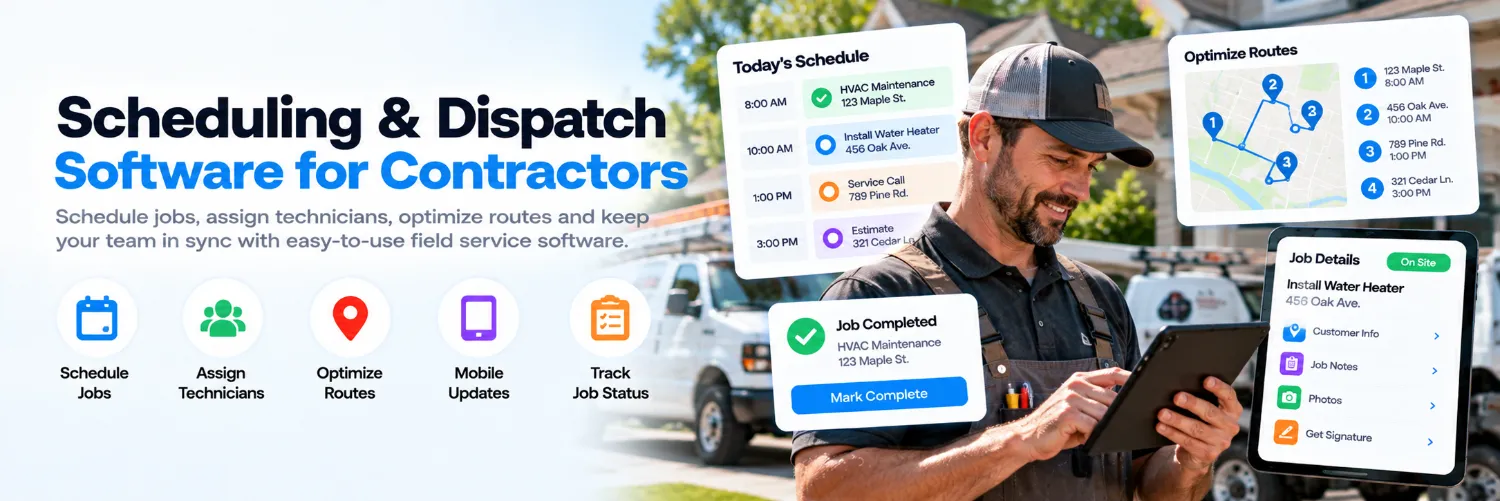
What Is Field Service Scheduling Software?
Field service scheduling software gives contractors a central calendar or dispatch board for assigning jobs to technicians and crews. Dispatchers can see who is available, where jobs are located and how the day is filling up before making an assignment.
Some products focus mainly on scheduling and dispatch, while others are part of a broader field service platform that also includes CRM, estimates, invoicing and job management. The best fit depends on whether you need a dedicated scheduling tool or an all-in-one system.
Features Contractors Should Compare
Drag-and-drop scheduling and dispatch boards
Technician availability and skill matching
Recurring job and appointment scheduling
Route planning and travel-time visibility
Mobile schedule updates for field crews
Job status and completion tracking
Customer appointment confirmations and reminders
Emergency and same-day job reassignment
Calendar and GPS integrations
Field-service, workforce and CRM integrations
If your company already uses a broader field service management platform, check whether scheduling and dispatch are included or whether a separate tool would create duplicate work. The goal is to keep job assignments, customer details and technician status connected.
Schedule Technicians and Crews More Efficiently
Scheduling is not only about filling open time slots. Contractors may need to match technicians with the right skills, territory, equipment or job type while accounting for drive time and existing appointments.
Integration with employee and workforce management software can also help when staff availability, time off or shift schedules affect who can be assigned to a job.
Dispatch Jobs and Handle Schedule Changes
Service schedules can change quickly when a job runs long, a customer cancels or an emergency call comes in. Dispatch software can help office staff reassign work and send updated job details to technicians without relying on a chain of phone calls and text messages.
Look for mobile notifications, real-time job status and easy reassignment tools. If vehicle location matters when choosing the closest available technician, connecting scheduling with fleet and GPS tracking software can improve dispatch visibility.
Improve Customer Arrival Windows
Customers want to know when a technician is coming and whether the schedule has changed. Scheduling platforms may include confirmation messages, reminders, technician-on-the-way notifications and arrival windows that reduce missed appointments and unnecessary calls to the office.
HVAC contractors, plumbing contractors and electrical contractors often manage several service calls per technician each day, making reliable scheduling and customer communication especially important.
Compare Scheduling & Dispatch Software Before You Commit
Compare pricing, included users, calendar features, dispatch tools, mobile apps, routing capabilities, customer notifications and integrations before choosing a platform. Use Compare to review your shortlist side by side, or use the AI Software Advisor to narrow the options based on your team size, service area and scheduling workflow.
Not sure which scheduling platform fits your business?
Compare scheduling and dispatch tools side by side or use the AI Software Advisor to narrow your options based on your technicians, job volume and workflow.