
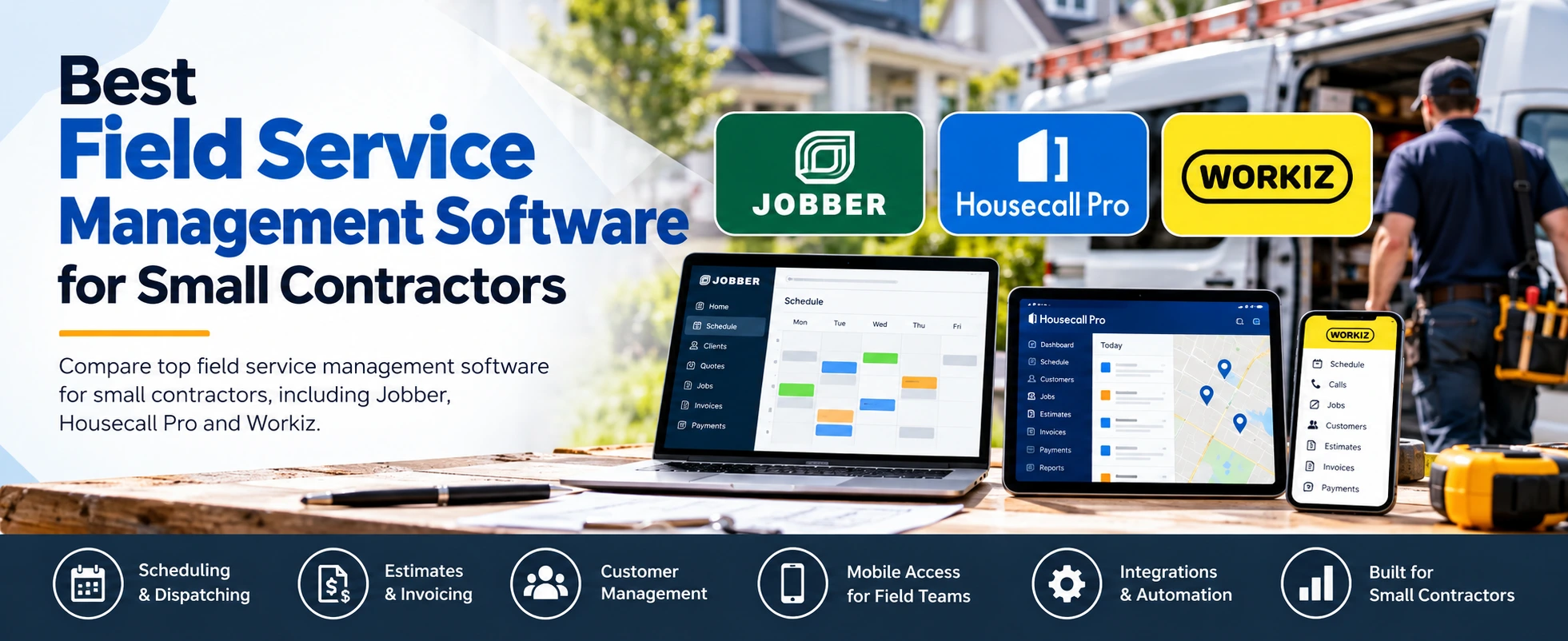
Compare popular field service management platforms for small and growing contractor businesses. These tools can help with scheduling, dispatching, estimates, invoicing, customer management, and mobile field operations.
Everything below comes from each product's Contractor Stack listing.
What small contractors should look for in field service software
Field service software replaces paper calendars, spreadsheets and scattered text threads.
Scheduling and dispatch
Look for a calendar your office and field team can both see, plus a simple way to assign jobs to the right technician.
Estimates and invoicing
Sending estimates and invoices from the same job record saves re-typing. Built-in payments let customers pay without a separate tool.
Customer management
A shared customer record keeps job history, addresses and notes in one place. Some platforms add a customer portal or online booking so clients can request work themselves.
Mobile access
Technicians spend most of the day away from a desk. Check that the platform has apps for the phones your team actually uses.
Pricing
Compare starting prices, but also how costs change as you add users or features. Many plans put advanced tools on higher tiers, so match the plan to what you'll use. A free trial is a low-risk way to test the workflow first.
Integrations
If you already use accounting software, a calendar or a review tool, check that the platform connects to it. A QuickBooks connection is a common requirement for contractors.
Ease of use
The best system is the one your team keeps using. Use a trial to have a technician and an office person run a real job from booking to payment.
Jobber
Jobber is a field service management platform designed for home service businesses. Its Contractor Stack listing describes it as best suited to small and mid-sized home service companies that want one system for customer management, scheduling, quoting, invoicing, payments and field operations.
Core features
- Customer management and lead management
- Scheduling and dispatching
- Online booking and a client portal
- Quotes and estimates, invoicing and online payments
- Automated reminders, two-way text messaging and workflow automation
- Reporting and job costing
- Mobile apps for iOS and Android, plus web access
Pricing and free trial
Jobber's listing shows a starting price of $29 per month. According to the stored pricing notes, the Core plan starts at $29/month billed annually, no-commitment pricing is higher, and additional plans (Connect, Grow and Plus) vary in features and included users. A 14-day free trial is available. There is no free plan.
Integrations
Listed integrations include QuickBooks Online, Zapier, Mailchimp, Stripe, CompanyCam, Gusto and Xero.
Pros
- Strong all-in-one field service workflow
- Online booking and client self-service
- Mobile apps for field teams
- Integrates with QuickBooks Online and many other apps
- Suitable for many home-service trades
Cons
- Advanced features require higher-tier plans
- Pricing increases as teams and feature needs grow
- Some integrations and features are plan-dependent
Housecall Pro
Housecall Pro is a field service management platform built for home service professionals. Its listing describes it as best suited to home service companies that want an all-in-one platform for scheduling, dispatching, customer management, payments and field operations, with a focus on small to mid-sized businesses.
Core features
- Customer management and a sales pipeline
- Scheduling, dispatching and recurring jobs
- Estimates, invoicing and online payments
- GPS tracking and route optimization
- Automated customer notifications and marketing campaigns
- A business phone system
- Job management with mobile access on iOS, Android and web
Pricing and free trial
Housecall Pro's listing shows a starting price of $59 per month on a subscription model, with multiple plans available. The stored pricing notes recommend checking current plan pricing and included features on the official Housecall Pro pricing page. A 14-day free trial is available. There is no free plan.
Integrations
Listed integrations include QuickBooks Online, QuickBooks Desktop, Google Calendar, Zapier, Mailchimp, CallRail, CompanyCam, Podium, NiceJob, Thumbtack, Google Local Services and Wisetack.
Pros
- Strong all-in-one field service platform
- Built specifically for home service businesses
- Scheduling and dispatching in one system
- Integrated invoicing and payments
- GPS tracking and route optimization
- Sales pipeline and automation tools
Cons
- Some advanced features may depend on plan level
- Can offer more functionality than very small businesses need
- Pricing and add-ons should be reviewed carefully before choosing a plan
Workiz
Workiz is a field service platform for service businesses that combines scheduling and dispatching, invoicing, estimates, online booking, mobile tools, payments, automation and AI-powered communication features. Its listing describes it as best suited to growing service businesses that want field operations plus customer communication and automation tools, and lists small to growing field service teams as the best fit.
Core features
- Scheduling and dispatching
- Estimates, invoicing and a price book
- Online booking
- Built-in phone and messages, plus AI answering
- Automations and reporting
- Inventory management
- Mobile app on iOS and Android, plus web access
- Support for multiple locations
Pricing and free trial
Workiz is listed as contact for pricing. According to the stored pricing notes, its Standard, Pro and Ultimate plans use request-pricing on the current pricing page, so you'll need a quote to compare costs. A free trial is available; the trial length isn't listed. There is no free plan.
Integrations
Listed integrations include QuickBooks, Google Calendar, Yelp, Thumbtack, Angi Leads, Linxup, Zapier, CompanyCam and NiceJob.
Pros
- Broad field-service workflow
- Online booking
- AI answering and messaging tools
- Strong integration selection
Cons
- Current public pricing requires a quote
- Some advanced automation and AI features depend on plan
Jobber vs Housecall Pro vs Workiz
All three cover the core jobs most small contractors need: scheduling, dispatching, estimates, invoicing, payments, online booking, mobile apps and a QuickBooks connection. The differences are in pricing transparency and the extra tools each one emphasizes.
| Jobber | Housecall Pro | Workiz | |
|---|---|---|---|
| Starting price | $29/month (Core, billed annually) | $59/month | Contact for pricing |
| Free trial | Yes, 14 days | Yes, 14 days | Yes (length not listed) |
| Best business size | Small to mid-sized | Small to mid-sized | Small to growing teams |
| Stand-out tools | Client portal, job costing, two-way texting | GPS tracking, route optimization, sales pipeline | AI answering, built-in phone, inventory, multi-location |
Notable differences
- Jobber has the lowest listed starting price of the three and includes a client portal and job costing.
- Housecall Pro lists route optimization, a sales pipeline and marketing campaigns among its features, and is the only one of the three listing a QuickBooks Desktop integration.
- Workiz is the only one of the three listed with multi-location support, AI answering and inventory management, but it doesn't publish a starting price.
Which option is best for a small contractor?
There's no single winner. Each platform covers the everyday basics, so the right choice depends on your budget, team size and which extra tools you'd actually use.
Jobber may be a better fit for smaller crews that want a clear, published entry price and a client portal for self-service booking and payments.
Housecall Pro is worth considering if route planning matters to your crews and you'd use GPS tracking, route optimization and sales pipeline tools.
Workiz could suit businesses that are growing across more than one location, or want built-in phone, AI answering and inventory tools, as long as you're comfortable requesting a quote.
Whichever you shortlist, use the free trial to run a real job from booking to payment, and confirm current plan pricing on the vendor's site before you commit.