
Category
Accounting & Bookkeeping Software for Contractors
Compare accounting and bookkeeping software for contractors, including tools for job costing, invoicing, expense tracking, reporting and project profitability.
Refine with more filters →Accounting software for contractors helps service businesses track income, expenses, job costs, invoices and profitability without relying on disconnected spreadsheets. The right system can make it easier to see where money is going, understand which jobs are profitable and keep financial records organized for your bookkeeper, accountant or tax professional.
Contractor Stack helps HVAC, plumbing, electrical and other service businesses compare accounting and bookkeeping software based on the features that matter in day-to-day operations. Review options for job costing, expense tracking, invoicing, financial reporting, payroll integrations, QuickBooks connectivity and project-level profitability, then compare the products that best fit your company size and workflow.
What Is Accounting Software for Contractors?
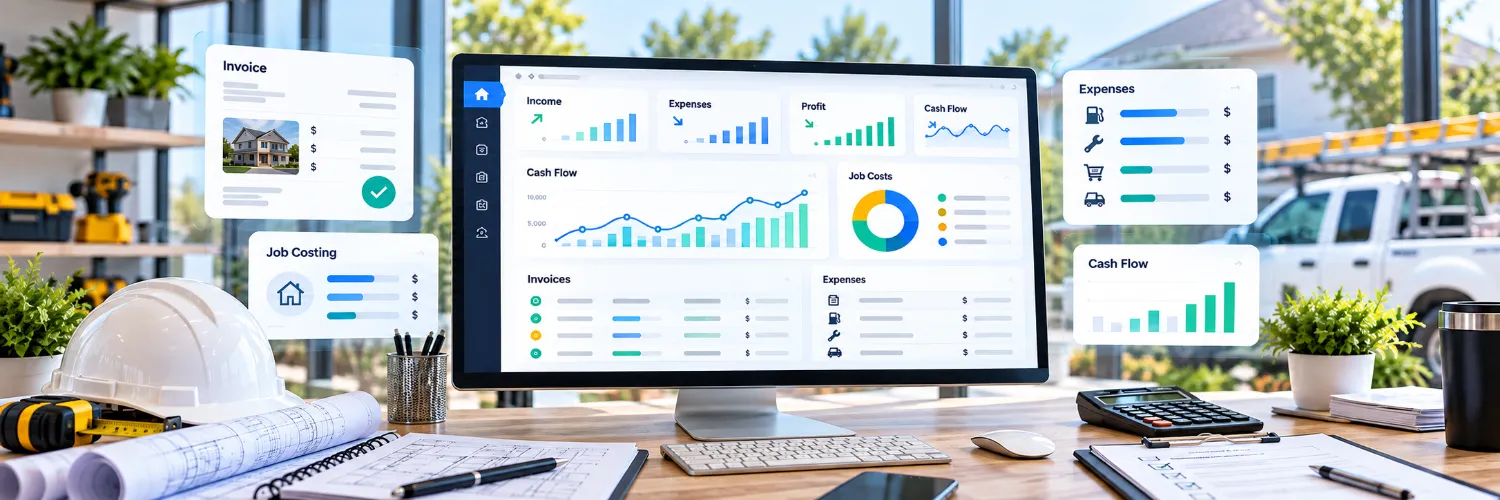
Contractor accounting software combines everyday bookkeeping with financial tools designed around jobs, projects and service work. In addition to tracking money coming in and going out, many platforms help businesses assign labor, materials and other expenses to individual jobs so owners can see whether the work is actually profitable.
For smaller service businesses, the priority may be straightforward invoicing, expense tracking, bank reconciliation and basic financial reports. Growing contractors may need deeper job costing, payroll connections, accounts payable and receivable, project reporting, multiple users or integrations with field service management software.
What to Look for in Accounting Software for Contractors
The best accounting software for one contractor may be unnecessarily complicated for another. Start with the financial tasks that consume the most time or make it difficult to understand how the business is performing.
Job costing for labor, materials, equipment and other project expenses
Income and expense tracking
Customer invoices and payment collection
Estimates and connections with estimating and proposal software
Accounts payable and accounts receivable
Profit-and-loss, cash-flow and project profitability reports
Bank and credit-card reconciliation
Payroll and 1099 contractor support or integrations
QuickBooks and other accounting integrations
Mobile access for owners and field teams
Construction accounting software may also include more specialized capabilities such as work-in-progress reporting, progress billing, retainage, cost codes and more detailed project financial controls. Those features can be valuable for larger contractors but may be unnecessary for a smaller home-service company.
Accounting Software for Small Contractors
A solo contractor or small service company often needs simplicity more than an extensive accounting system. Fast invoicing, easy expense entry, bank feeds and clear financial reports may be more useful than enterprise features that require significant setup and training.
As the company grows, job costing becomes increasingly important. Looking only at total monthly revenue does not show whether individual jobs are profitable. Software that connects revenue and expenses to specific work can help identify jobs with strong margins, unexpected material costs or labor that consistently exceeds estimates.
Accounting and Field Service Software Should Work Together
Accounting rarely operates by itself in a contracting business. Customer information may originate in a CRM, an estimate may be created before the job begins, technicians may complete the work through a field service application, and the final invoice and payment eventually need to reach the accounting system.
When comparing software, check whether the accounting platform connects with the other tools your business already uses. An integration that transfers customer details, invoices, payments or job costs automatically can eliminate duplicate entry and reduce the chances of financial information becoming inconsistent between systems.
QuickBooks and Other Accounting Options for Contractors
QuickBooks is commonly considered by contractors because of its broad accounting ecosystem and integrations, but it is not the only option. Some businesses prefer general small-business accounting platforms, while others need construction accounting software or contractor-focused systems with deeper job costing and project reporting.
Instead of choosing software based only on brand recognition, compare how each product handles the financial tasks that matter to your business. Consider pricing, number of users, job-costing capabilities, payroll compatibility, reporting, mobile access and how easily the platform connects with the rest of your software stack.
Match Accounting Software to Your Business
An HVAC contractor managing recurring service work may have different accounting needs than a plumbing company handling emergency jobs or an electrical contractor working on longer projects. Company size, number of employees, billing process and the complexity of your jobs can all affect which accounting system makes sense.
If you are unsure where to start, use the AI Software Advisor to describe your company, priorities and budget and narrow the software available in Contractor Stack.
Compare Accounting & Bookkeeping Software
Before choosing a platform, look beyond the monthly subscription price. Check whether the features you need are included in the advertised plan, whether additional users increase the cost, and whether important integrations require another subscription or higher service tier.
Browse the accounting and bookkeeping products listed on this page, save promising options for later, and use Compare to evaluate software side by side. The goal is not simply to find the accounting platform with the longest feature list, but the one that gives you a clearer picture of your business without creating more administrative work.
Not sure which accounting software fits your business?
Compare contractor accounting tools side by side or use the AI Software Advisor to narrow your options based on your business, priorities and budget.