
Category
Estimating & Proposal Software for Contractors
Compare estimating and proposal software for contractors, including takeoffs, quoting, bids, proposal templates, e-signatures and job-costing integrations.
Refine with more filters →Construction estimating software helps contractors build faster, more consistent estimates by organizing labor, materials, markups and project costs in one place. Instead of rebuilding every quote from a spreadsheet or calculator, estimating tools can standardize pricing, reuse templates and turn project details into professional proposals for customers.
Contractor Stack helps home-service and construction businesses compare estimating and proposal software based on the features that matter in real sales workflows. Review options for digital takeoffs, quoting, proposal templates, good-better-best pricing, e-signatures and integrations with CRM and lead management software, field service management software and accounting software.

Contractor estimating, invoicing and payment software built for solo operators and small teams.
What Is Construction Estimating Software?
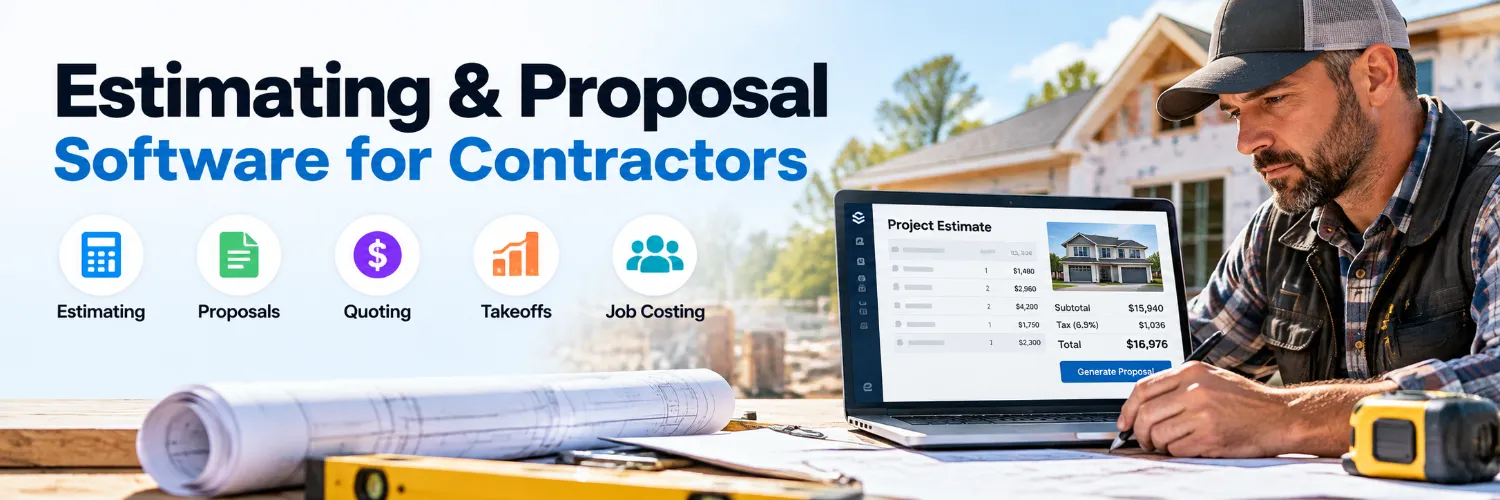
Construction estimating software helps contractors calculate the expected cost of a job using labor, materials, equipment, subcontractor costs, markups and other project expenses. Depending on the platform, estimates can be created from templates, price books, assemblies or measurements taken directly from plans.
Some tools focus heavily on estimating and digital takeoffs, while others combine estimates with proposals, customer approvals, scheduling, invoicing or job costing. The right option depends on whether you need a dedicated estimating system or a broader platform that carries the job from lead to completion.
Features Contractors Should Compare
Estimate and quote templates
Labor and material cost libraries
Digital takeoffs and quantity measurements
Markup, margin and tax calculations
Good-better-best proposal options
Photos, scope details and proposal customization
Electronic signatures and customer approvals
Estimate status and follow-up tracking
Price-book and cost-database updates
CRM, accounting and field-service integrations
If your sales team tracks opportunities before an estimate is created, check how the estimating platform connects with your CRM and lead management system. A connected workflow can reduce duplicate entry and make it easier to see which leads have been quoted, approved or need follow-up.
Estimating, Takeoffs and Construction Bidding
Digital takeoff tools can help contractors measure quantities from plans and transfer those measurements into an estimate. This can be especially useful for projects where material quantities, square footage, linear footage or assemblies need to be calculated before pricing the job.
For businesses that bid larger construction projects, compare whether the software supports bid packages, subcontractor pricing, cost codes and estimate revisions. Roofing contractors and remodelers may prioritize measurements and materials, while other trades may care more about labor, assemblies or service pricing.
Turn Estimates Into Professional Proposals
The estimate may be accurate, but the customer still needs a clear reason to approve the work. Proposal features can help present scope, pricing, optional upgrades, payment terms and supporting photos in a more professional format than a basic spreadsheet or email.
Look for tools that support reusable templates, optional line items, good-better-best packages and electronic signatures. If customers frequently approve work from a phone, test the mobile proposal experience before committing to a platform.
Connect Estimates With Jobs and Job Costing
An estimate is most useful when the information continues into the rest of the job. Contractors using field service management software should check whether approved estimates can become jobs or work orders without re-entering customer and pricing details.
After the work is complete, comparing estimated costs with actual labor, materials and expenses can help improve future pricing. Connecting estimates with accounting and job-costing software can make it easier to understand which types of projects are producing the margins you expected.
Compare Estimating Software Before You Commit
Compare pricing, included users, takeoff capabilities, proposal tools, price-book features, integrations and how easily the system fits your existing workflow. Use Compare to review your shortlist side by side, or use the AI Software Advisor to narrow the options based on your trade, company size and estimating needs.
Not sure which estimating software fits your business?
Compare estimating, takeoff and proposal tools side by side or use the AI Software Advisor to narrow your options based on your trade, workflow and project types.