
Category
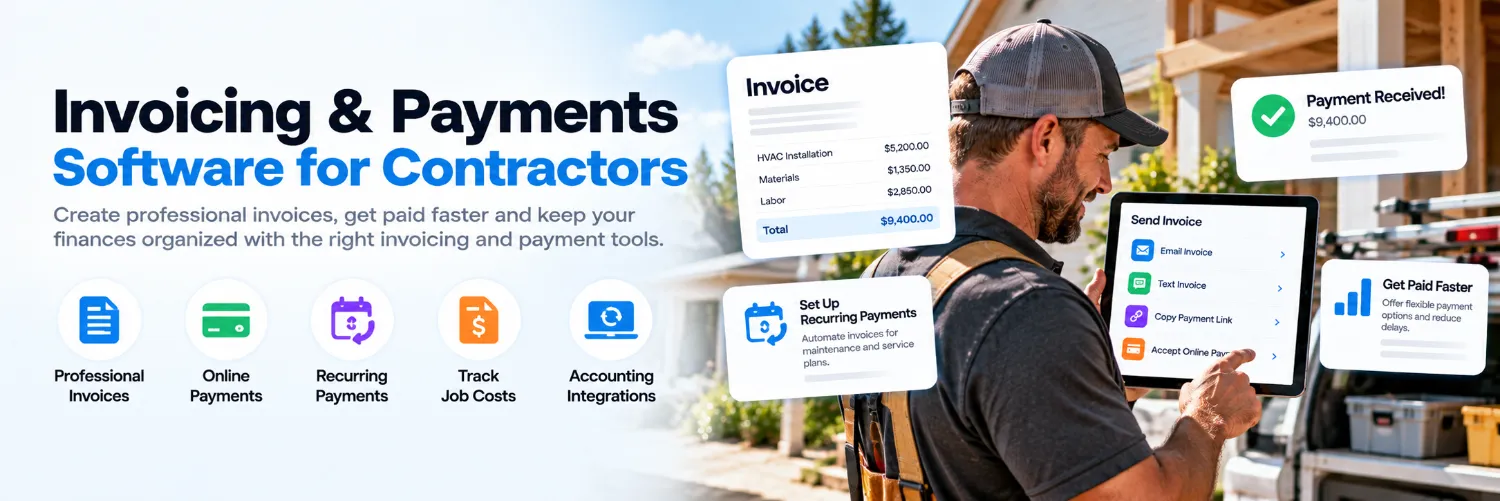
Invoicing & Payments Software for Contractors
Compare invoicing and payment software for contractors, including online payments, recurring billing, deposits, payment reminders and accounting integrations.
Refine with more filters →Invoicing software for contractors helps service businesses turn completed work into professional invoices, collect payments faster and keep billing organized without relying on manual spreadsheets or paper invoices. The right platform can combine invoicing, online payment options, reminders and job-level financial tracking in one workflow.
Contractor Stack helps home-service and construction businesses compare invoicing and payment software based on the features that matter in daily operations. Review tools for mobile invoicing, payment links, recurring billing, deposits and integrations with accounting software, estimating and proposal software and field service management software.
What Is Invoicing Software for Contractors?
Invoicing software gives contractors a faster way to create, send and track customer bills. Instead of building each invoice manually, businesses can reuse customer information, service descriptions, pricing and payment terms while keeping a record of what has been sent and what is still outstanding.
Some platforms focus mainly on invoicing and payment collection, while others include estimates, recurring billing, job costing, accounting or field-service features. The right option depends on whether you need a simple billing tool or a system that connects invoicing with the rest of your contractor workflow.
Features Contractors Should Compare
Professional invoice templates
Mobile invoicing from the field
Credit card and ACH payment options
Payment links and customer portals
Deposits and progress billing
Recurring invoices and recurring payments
Automatic payment reminders
Invoice status and accounts-receivable tracking
Job-cost and project-level reporting
Accounting, estimating and field-service integrations
If your team creates a quote before work begins, check whether approved estimates from your estimating and proposal software can be converted into invoices without re-entering line items, customer details and pricing.
Accept Online Payments and Get Paid Faster
Online payment options can reduce the time between sending an invoice and receiving payment. Depending on the platform, customers may be able to pay by credit card, debit card, bank transfer or payment link directly from an emailed or texted invoice.
Before choosing a system, compare processing fees, payout timing, transaction limits and whether customers can save a payment method. Also confirm how refunds, partial payments and failed transactions are handled.
Recurring Billing, Deposits and Progress Payments
Not every contractor bills the same way. Some businesses collect a deposit before work starts, others invoice at project milestones, and maintenance or service-plan companies may need recurring billing.
Look for software that supports the billing structure your business actually uses. HVAC contractors may need recurring payments for maintenance memberships, while remodelers and roofing contractors may depend more heavily on deposits and progress payments for larger projects.
Connect Invoicing With Accounting and Job Costing
Billing is easier to manage when invoices and payments flow into your accounting records automatically. Integration with accounting and bookkeeping software can reduce duplicate data entry and make it easier to reconcile deposits, track accounts receivable and understand project profitability.
If technicians create invoices at the job site, integration with field service management software can also connect completed work, labor, materials and customer information with the final bill.
Compare Invoicing & Payment Software Before You Commit
Compare monthly pricing, payment-processing fees, invoice limits, recurring billing, mobile features, reporting and integrations before selecting a platform. Use Compare to review your shortlist side by side, or use the AI Software Advisor to narrow the options based on your billing workflow, trade and company size.
Not sure which invoicing platform fits your business?
Compare invoicing and payment tools side by side or use the AI Software Advisor to narrow your options based on how you bill customers and collect payments.